ResumeFinch

Google Docs

Resume template for Google Docs

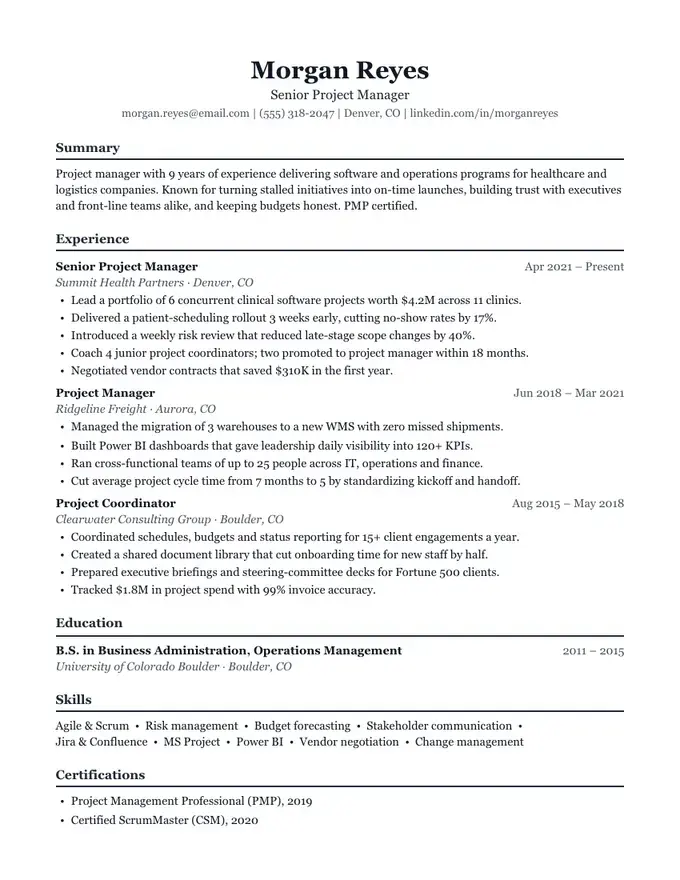
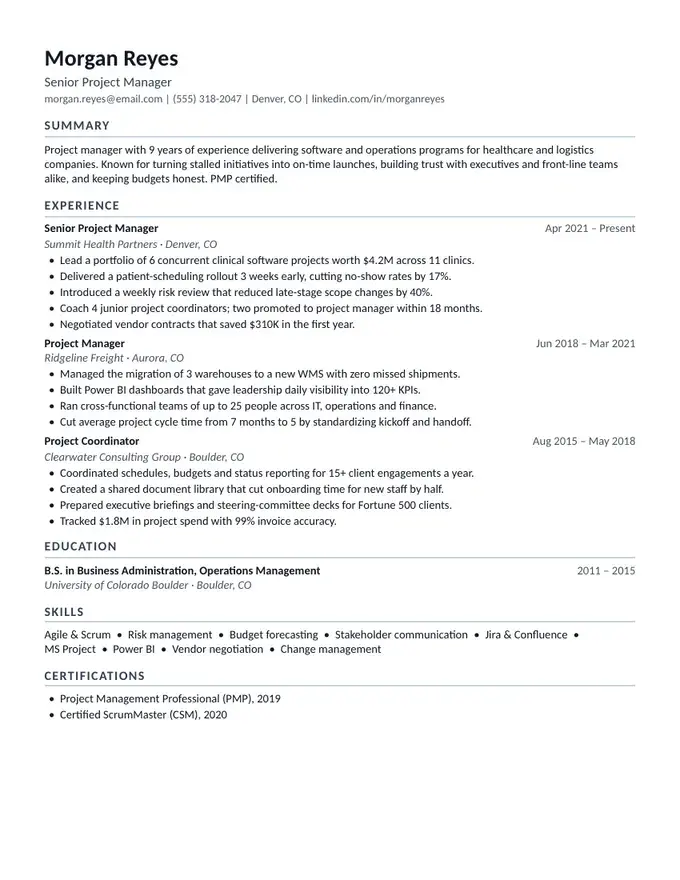
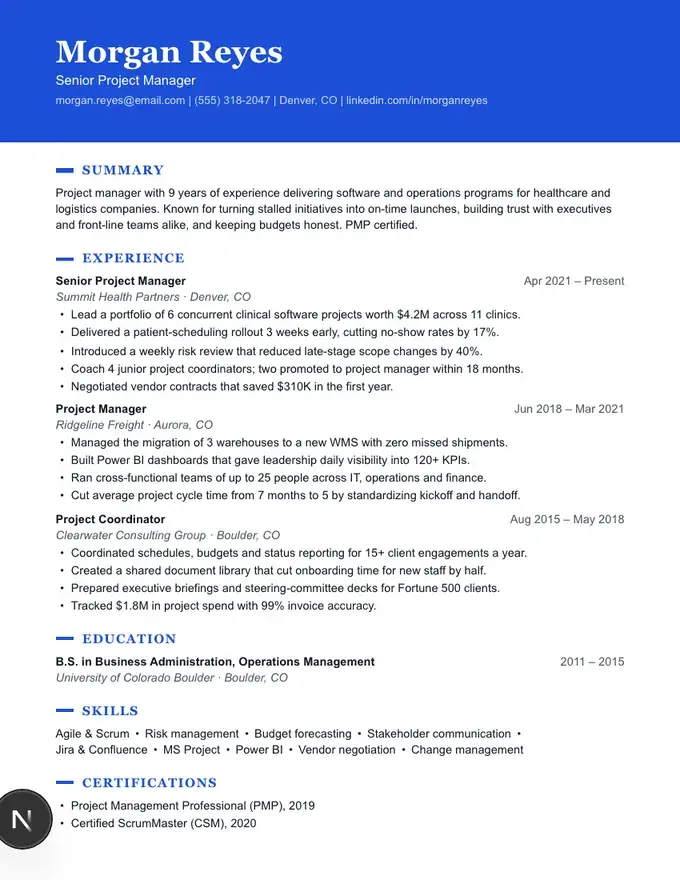
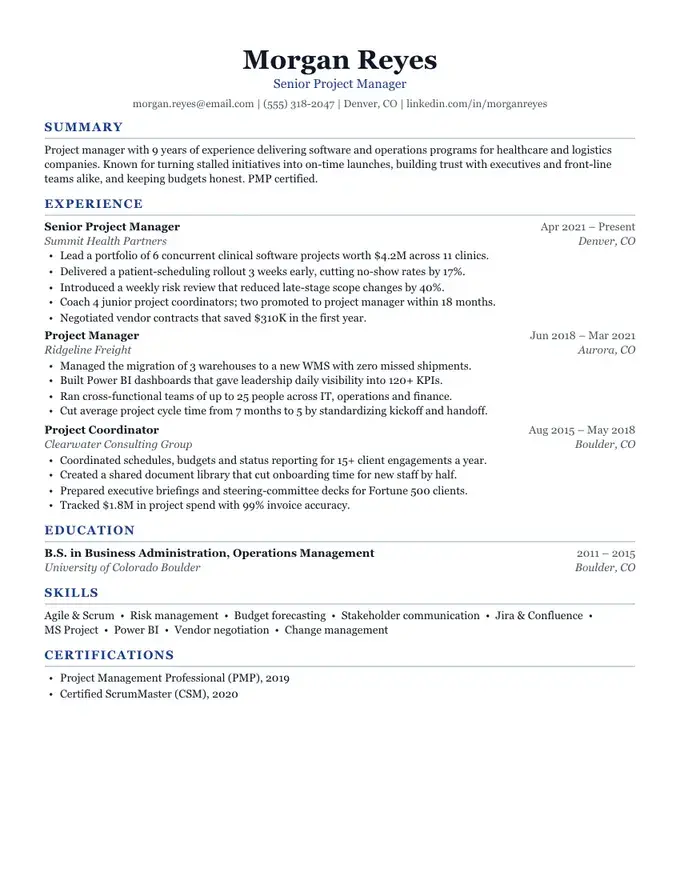
Most Google Docs resume templates fall apart the moment you add a second job: tables shift, columns overflow and bullets lose their indent. ResumeFinch takes a different approach. You fill in your resume in a simple form, watch it lay itself out on the right, and download a Word file built from real headings, paragraphs and bullet lists.

Upload that file to Google Drive and it opens as a normal Google Doc you can keep editing, share or print, with no broken formatting to repair.

Free to build and preview. Downloads require a plan.

Jordan Ellis
Operations Manager
jordan.ellis@email.com | (555) 214-8890 | Columbus, OH | linkedin.com/in/jordanellis
Summary

Operations manager with 7 years of experience running multi-site logistics teams. Cut fulfillment costs 18% by redesigning pick routes and scheduling, and trained 40+ associates into leads. Calm under pressure, fluent in data, and focused on on-time delivery.

Experience
Operations ManagerMar 2021 – Present
Northline Distribution · Columbus, OH
•Lead a 62-person team across two warehouses shipping 14,000 orders per week.
•Reduced cost per order 18% by re-sequencing pick routes and shift coverage.
•Raised on-time delivery from 91% to 98.6% within the first year.
Shift SupervisorJun 2017 – Feb 2021
Brightway Retail Logistics · Dayton, OH
•Supervised 25 associates per shift on inbound receiving and returns.
•Built a cross-training program that cut overtime hours by 30%.
Education
B.S. in Business Administration, Operations Management2013 – 2017
Ohio State University · Columbus, OH
Skills
Team leadership •Inventory control •Lean / 5S •WMS (Manhattan) •Excel & Power BI •Scheduling •OSHA compliance
Certifications
•Certified Supply Chain Professional (CSCP), 2022
•OSHA 30-Hour General Industry
Meridian resume templateModern with a blue accentATS-safe · 1 column

How to get it into Google Docs

  1. 1Pick a template and fill in your details. The preview updates as you type.
  2. 2Download the .docx file.
  3. 3In Google Drive, choose New, then File upload, and select the file.
  4. 4Open it, then choose File, then Save as Google Docs to get an editable copy.

Why these templates survive the trip to Google Docs

  • No text boxes, tables or floating shapes for Google Docs to rearrange. Even two-column designs download as a clean one-column Word file.
  • Standard fonts (Arial and Georgia) that Google Docs already has, so nothing gets swapped out.
  • Real Heading styles, so your section titles show up in the Docs outline.
  • Native bulleted lists you can extend by pressing Enter, just like any other Doc.

A CV template for Google Docs, too

Outside the US, and in academic and research jobs, people say CV where Americans say resume. If you searched for a CV template for Google Docs, the steps are the same: build it here, download the .docx and open it in Drive. For a longer academic CV with publications and grants, see our CV template guide.

Built to pass applicant tracking systems

Recruiters at mid-size and large US companies run resumes through an applicant tracking system (ATS) before a human reads them. Those systems read text from top to bottom and struggle with columns, icons and graphics. ResumeFinch's ATS-safe templates are plain, selectable text in a single column, so the ATS sees exactly what the recruiter sees. Meridian, the template shown here, is one of them.

Frequently asked questions

Is this an actual Google Docs template?

You build the resume on ResumeFinch, then download a .docx file that Google Docs opens natively. After uploading it to Drive you can save it as a Google Doc and edit it like any other document.

Is it free?

Building and previewing your resume is free with no signup. Downloading the finished PDF and Word files requires a plan: monthly or yearly (cancel anytime), or a one-time lifetime purchase.

Will the formatting break in Google Docs?

The templates avoid tables, columns and text boxes, the usual causes of broken Google Docs resumes. Spacing, headings and bullets carry over as they are.

Can I use it as a CV template in Google Docs?

Yes. A US resume and a short CV use the same structure. Rename sections in the builder (for example Research or Publications), download the .docx and open it in Google Docs.

Ready to fill in your resume?

Start with Meridian. You can switch templates anytime.

Use this template

More templates to try

Browse all resume templates

Related guides