 ResumeFinch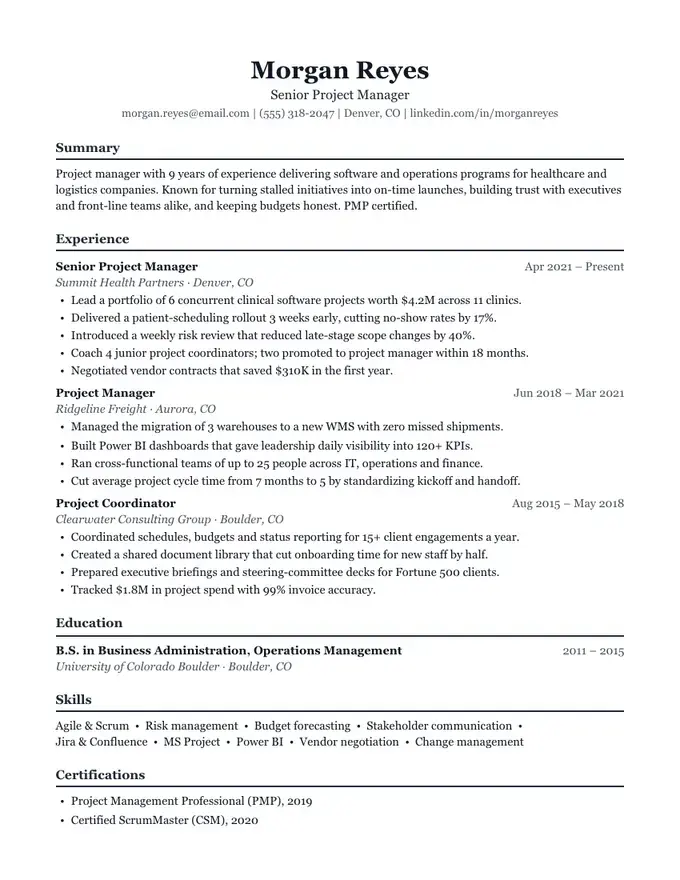
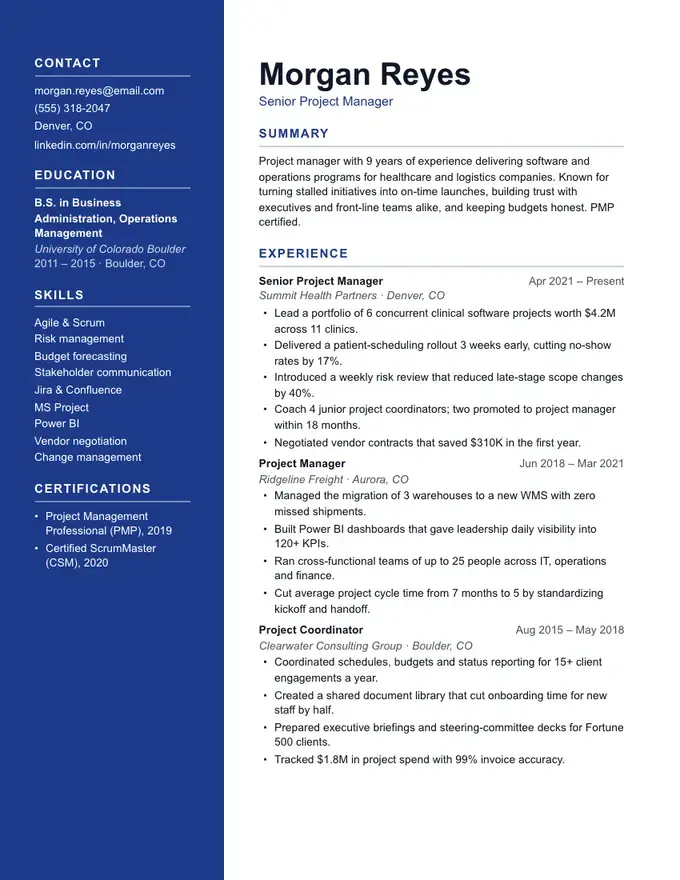
Anchor resume template
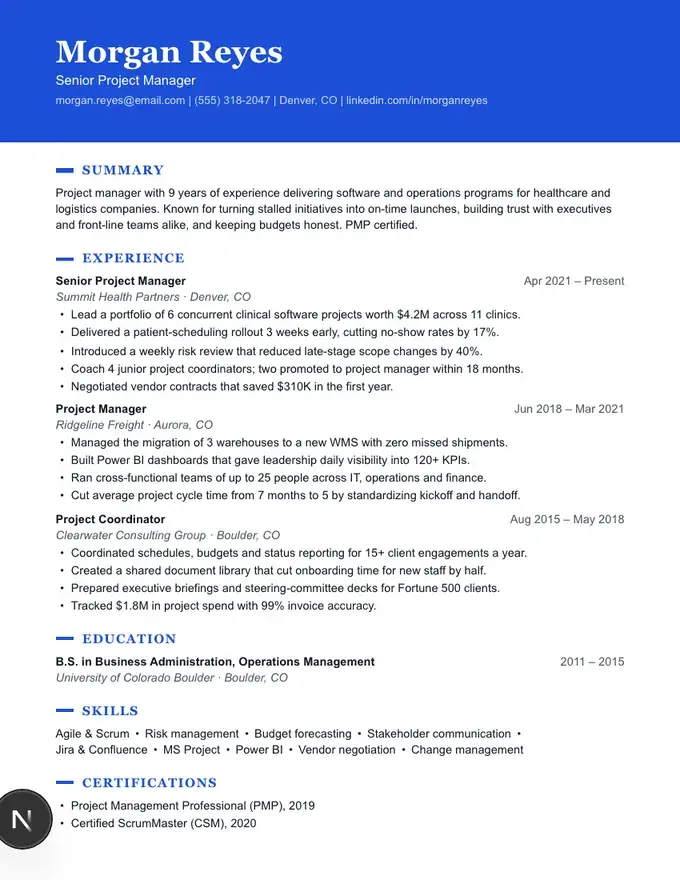
Solid colour sidebar
Works with Google Docs and Microsoft Word
A resume maker that shows every page update live as you type. Choose a template, fill in your details, then download a polished PDF plus a Word file that opens cleanly in Google Docs, with no broken tables or shifting columns.
Starting from an editor? Try our resume templates for Google Docs or resume templates for Microsoft Word.
Choose a design and a colour. Switch either one anytime without retyping.
Solid colour sidebar
Colour header, one column
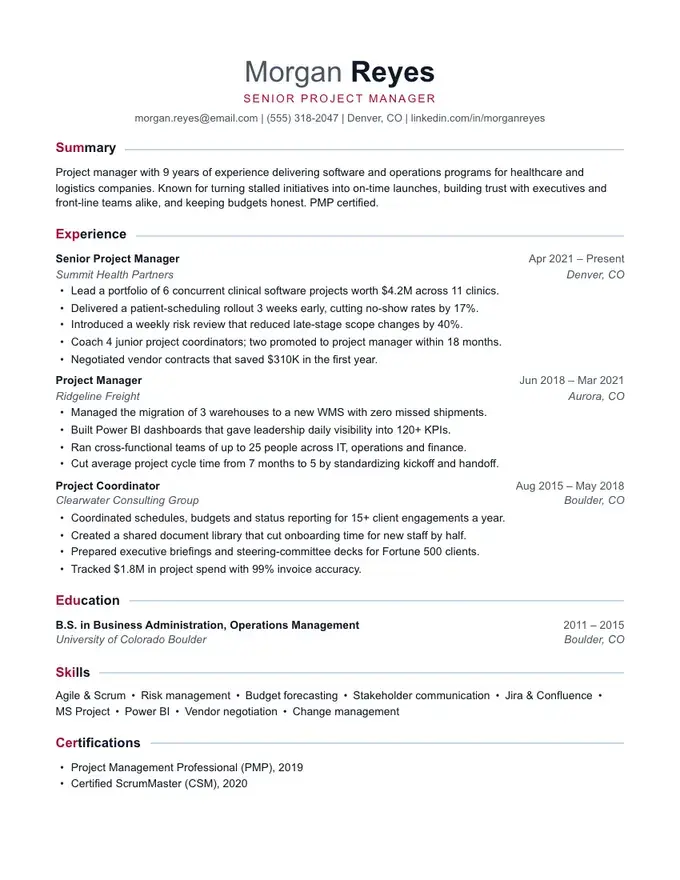
Polished with a confident accent
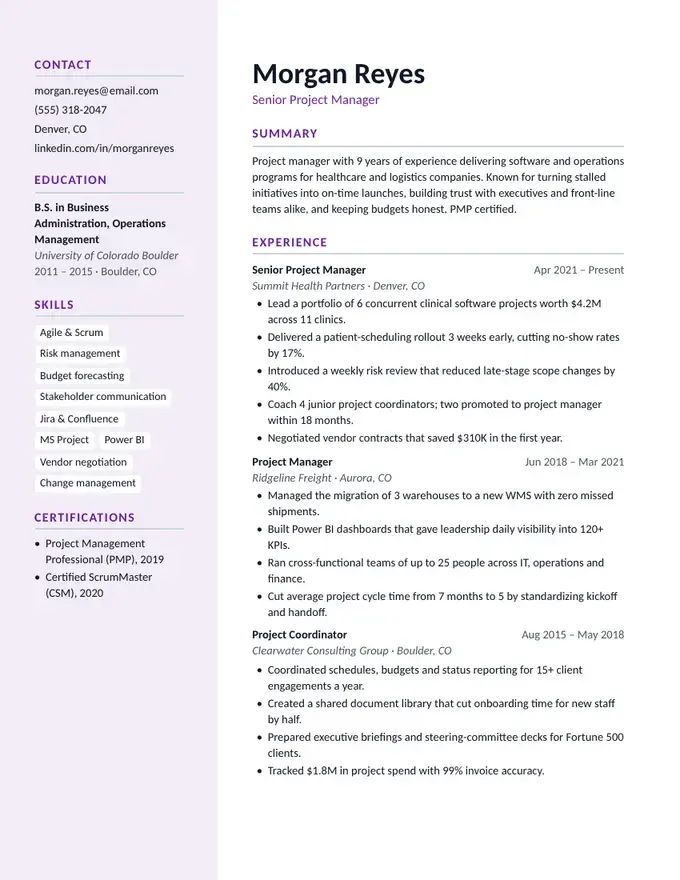
Modern sidebar panel
16 designs, from classic one-column to modern two-column. Switch anytime without retyping a word.
Step-by-step or all at once, with a live page preview that shows exactly how it will print.
Get a PDF for online applications and a .docx for Word or Google Docs.
Built to help you finish
Pre-written bullet points and summaries for common US jobs. Click to add, then swap in your own numbers.
A live score with specific fixes: missing dates, bullets without results, a summary that's too thin.
Go one section at a time with tips, or edit everything on one page. Switch whenever you like.
Reorder and rename sections, pick from 9 accent colours, 4 font pairings and 3 spacing levels.
Most Google Docs resume templates rely on tables and text boxes that break when you edit. Ours are built from headings, paragraphs and bullet lists, so they stay put.
Real Word heading styles, tab-aligned dates and native bullets. Restyle the whole document from Word's Styles pane in one click.
Templates marked ATS-safe are one column of real text, with no icons or graphics, so your experience reaches the recruiter exactly as you wrote it. Two-column designs are clearly labelled.
Pricing
Write, edit and preview your resume for free. Choose a plan only when you're ready to download your files.
$80/year
Just $6.67 a month
Everything in Monthly for the whole job hunt and the next one.
$150once
One-time payment · yours forever
Pay once and download as often as you like, for good.
$20/month
Billed monthly, cancel anytime
Unlimited PDF and Word downloads. Cancel anytime.
Secure checkout via Polar · Monthly and yearly cancel anytime · Lifetime is a one-time payment · Taxes calculated at checkout
Popular guides and tools:
Build your resume here, then download the .docx. In Google Drive choose New, then File upload, open the file and select File, then Save as Google Docs. Everything stays formatted.
Building, editing and previewing is free with no signup. Downloading the PDF and Word files needs a plan: $20/month, $80/year, or $150 once for lifetime access. Monthly and yearly plans can be cancelled anytime from your billing page; lifetime is a single payment with no renewals.
Yes. Most templates are a single column of real text with standard headings and fonts, the format applicant tracking systems read most reliably, and they're marked ATS-safe. The two-column designs are labelled design-forward so you can choose with your eyes open.
Not to start. Your work saves automatically in your browser session. You sign in with Google or your email only when you're ready to download, so your resume and plan follow you to any device.
Yes, as often as you like. Come back to the builder, change anything and download again. The Word file can also be edited directly in Word or Google Docs.