 ResumeFinch
Resume editor
Edit your resume online with a live preview
Editing a resume in a word processor means fighting the layout: one extra bullet and a heading jumps to page two. The ResumeFinch resume editor keeps content and design apart. You edit plain fields on the left, and the page on the right lays itself out as you type.
Reorder sections by dragging, switch between 16 templates without retyping, and see a live strength score that points out weak bullets and missing details.
Free to edit and preview. Downloads require a plan.
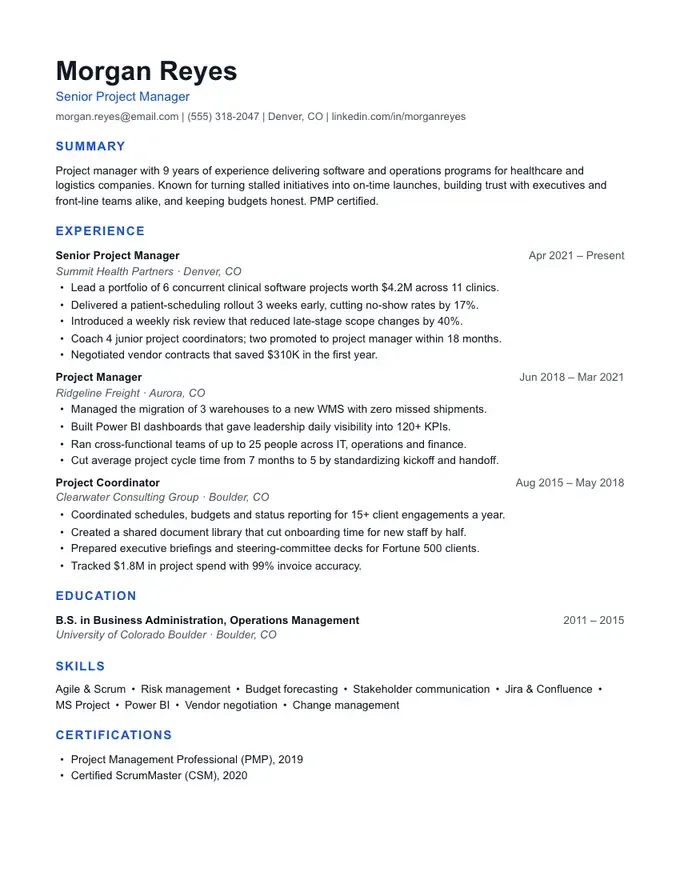
What you can edit
- Contact details, summary, experience, education and skills, each in its own form.
- Bullets you can add, reorder and rewrite, with example bullets for 35 common jobs to start from.
- Section names and order: rename Experience to Work History, or move Education to the top.
- Custom sections such as Projects, Certifications, Volunteer Work or Publications.
- Design: nine accent colours, four font pairings and three spacing levels on any template.
- Undo and redo for every change, and autosave as you go.
How to edit your resume in three steps
- 1Open the editor and choose guided mode (one section at a time) or the full editor.
- 2Paste in your existing content or start fresh. The live preview shows exactly where each page ends.
- 3Fix what the strength score flags, then download a PDF and a Word file.
Editing for applicant tracking systems
Edits that look harmless can confuse an applicant tracking system: moving contact details into a header, adding a table, or turning a skills list into graphics. The editor never does any of that. Pick an ATS-friendly resume template and every edit stays in a clean, readable single column.
Resume editor FAQ
Can I edit an existing resume?
Yes. Paste each section of your current resume into the editor, or type it fresh. Our free resume checker can also show what's missing before you start.
Is the resume editor free?
Editing and previewing are free with no signup. Downloading the finished PDF and Word files requires a plan.
Can I edit the downloaded file afterwards?
Yes. The Word file opens in Microsoft Word and Google Docs with real headings and bullet lists, so you can keep editing there. Or come back to the editor, change anything and download again.
Does it work on my phone?
Yes. The editor works in any modern browser, and switches between the form and the page preview on small screens.