ResumeFinch

Microsoft Word

Resume template for Microsoft Word

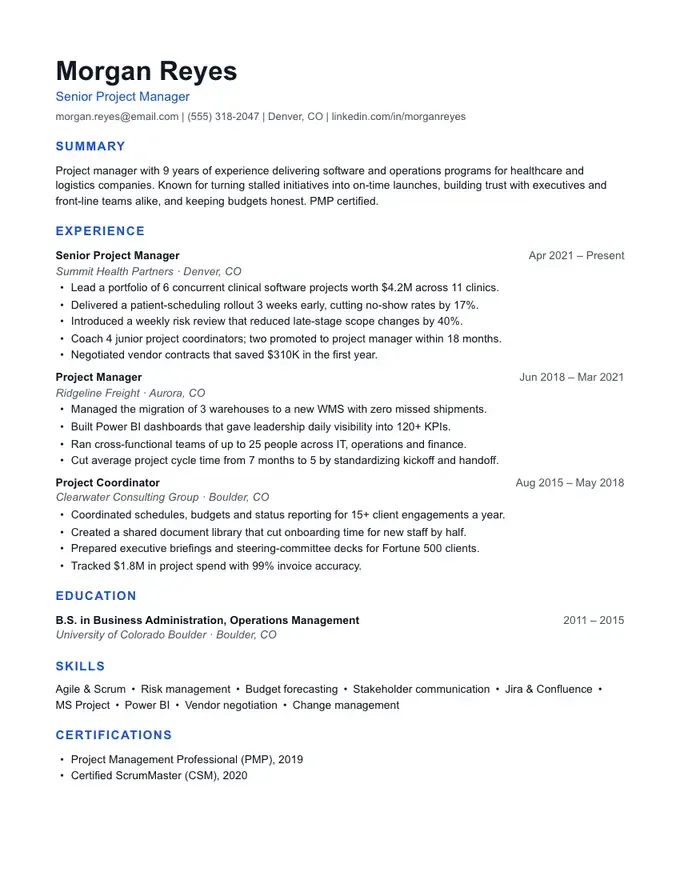
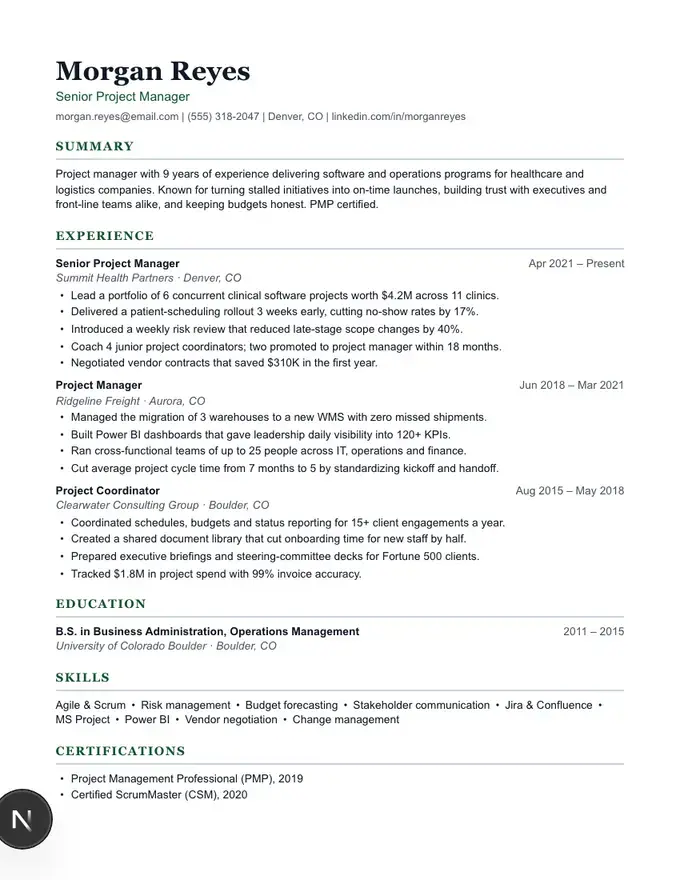
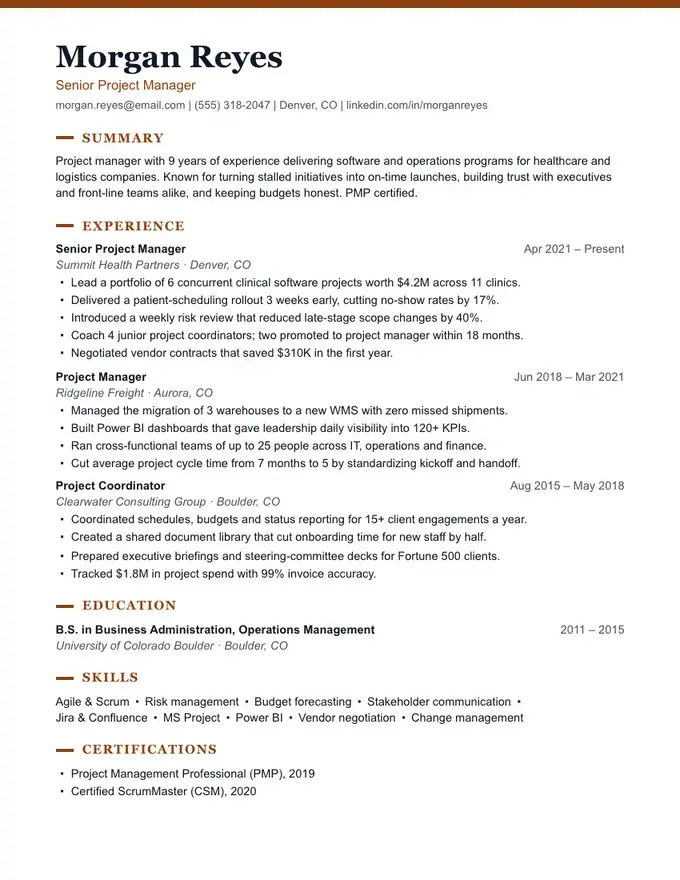
Word resume templates look great until you start typing into them. Placeholder text fights you, tables resize and a single long job title pushes everything onto page two. ResumeFinch lets you fill in the content first and handles the layout for you.

When you're happy with it, download a .docx that opens in Word on Windows or Mac with proper heading styles, consistent spacing and real bullet lists, plus a matching PDF for online applications.

Free to build and preview. Downloads require a plan.

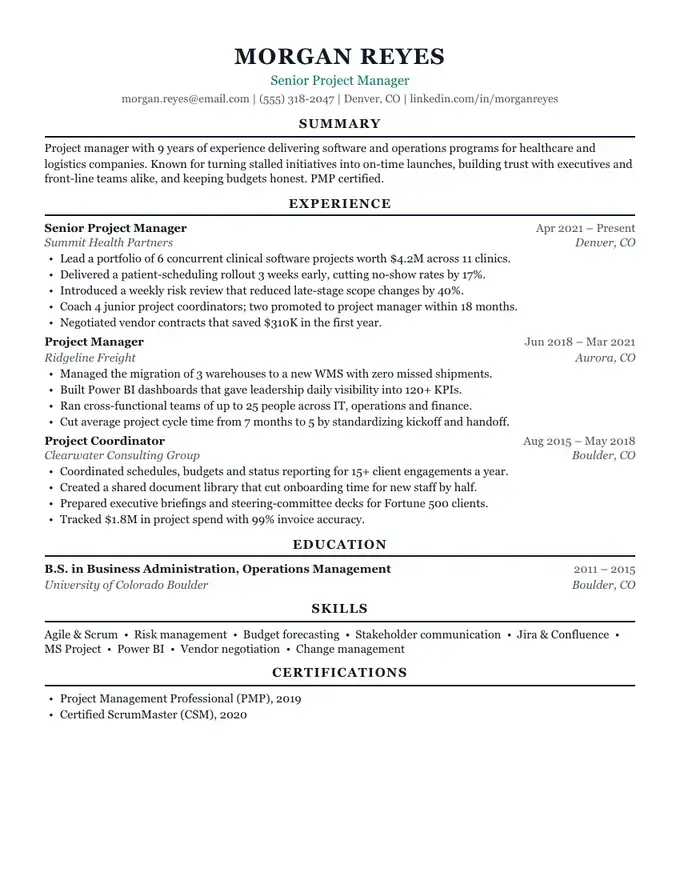
Jordan Ellis
Operations Manager
jordan.ellis@email.com | (555) 214-8890 | Columbus, OH | linkedin.com/in/jordanellis
Summary

Operations manager with 7 years of experience running multi-site logistics teams. Cut fulfillment costs 18% by redesigning pick routes and scheduling, and trained 40+ associates into leads. Calm under pressure, fluent in data, and focused on on-time delivery.

Experience
Operations ManagerMar 2021 – Present
Northline Distribution · Columbus, OH
•Lead a 62-person team across two warehouses shipping 14,000 orders per week.
•Reduced cost per order 18% by re-sequencing pick routes and shift coverage.
•Raised on-time delivery from 91% to 98.6% within the first year.
Shift SupervisorJun 2017 – Feb 2021
Brightway Retail Logistics · Dayton, OH
•Supervised 25 associates per shift on inbound receiving and returns.
•Built a cross-training program that cut overtime hours by 30%.
Education
B.S. in Business Administration, Operations Management2013 – 2017
Ohio State University · Columbus, OH
Skills
Team leadership •Inventory control •Lean / 5S •WMS (Manhattan) •Excel & Power BI •Scheduling •OSHA compliance
Certifications
•Certified Supply Chain Professional (CSCP), 2022
•OSHA 30-Hour General Industry
Harbor resume templateClassic and centeredATS-safe · 1 column

From browser to Word in four steps

  1. 1Pick a template and fill in your details in the browser.
  2. 2Download the .docx file.
  3. 3Double-click it to open in Microsoft Word on Windows or Mac. Headings, spacing and bullets stay intact.
  4. 4Make any last tweaks in Word, or come back to ResumeFinch to edit and download again.

What you get in the .docx

  • Heading styles you can restyle in one click from Word's Styles pane.
  • Right-aligned dates set with a tab stop, not spaces, so they line up.
  • Letter-size pages with balanced 0.7-inch margins.
  • No macros, tables or embedded images. Just a clean document.

PDF or Word: which should you send?

Send the PDF when an application portal accepts it, because it looks identical on every device. Send the Word file when a recruiter asks for .docx or when an older ATS only accepts Word. ResumeFinch gives you both from the same resume, so you never have to maintain two versions.

Need a CV template in Word?

The same .docx works as a CV in Word. Add sections such as Publications, Research or Languages in the builder, and the Word file keeps them as real headings you can restyle.

Frequently asked questions

Which versions of Word does the file work with?

The .docx opens in Microsoft Word 2010 and later on Windows, Word for Mac, Word for the web, and in Google Docs, Pages and LibreOffice.

Can I edit the resume after downloading?

Yes. The Word file is fully editable. You can also come back to ResumeFinch, change your content and download a fresh copy.

Do I need an account to start?

No. Open the builder and start typing. You only sign in with Google or your email when you're ready to download.

Ready to fill in your resume?

Start with Harbor. You can switch templates anytime.

Use this template

More templates to try

Browse all resume templates

Related guides