 ResumeFinch
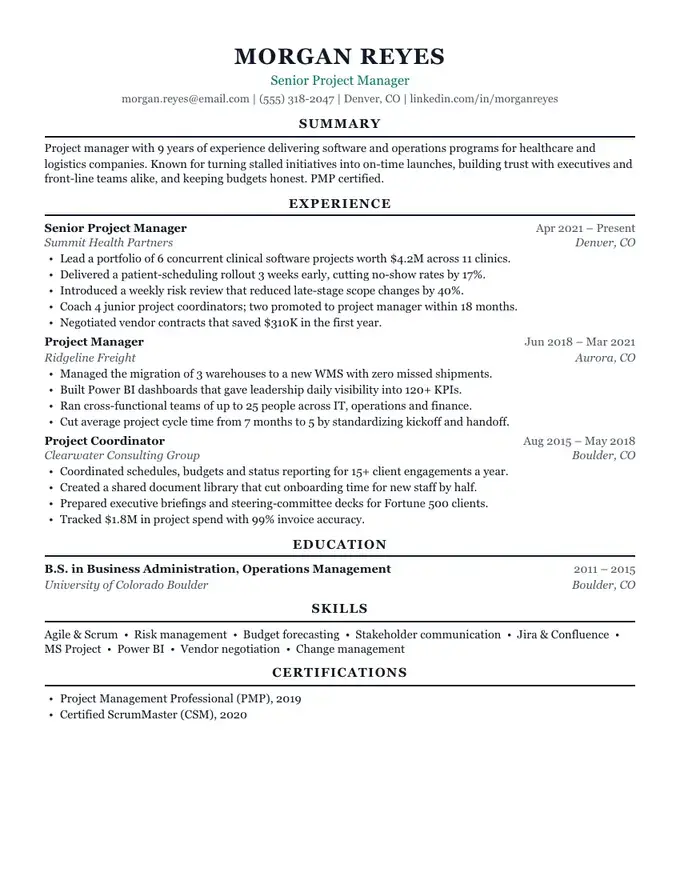
Campus resume template
Education first, career-office style
Jake's Resume layout
Jake's Resume is a one-page LaTeX template by Jake Gutierrez, published on GitHub under the MIT license: a centered name, small-caps section headings over full-width rules, and two-line entries with dates and locations flush right. ResumeFinch's Keystone template re-implements that layout, so you can get the same look by typing into a form instead of editing a .tex file in Overleaf.
Keystone downloads as a PDF and as a Word file. The preview below fills it with a fictional new graduate's resume in the original's section order: Education, Experience, Projects, Technical Skills. The layout is credited in our third-party notices.
Free to build and preview. Downloads are a one-time payment, no subscription.
Not affiliated with or endorsed by Jake Gutierrez, the original author. Jake's Resume (github.com/jakegut/resume) is MIT-licensed, and Keystone is our own re-implementation of its layout. Overleaf, Microsoft Word, Google Docs and Apple Pages are trademarks of their respective owners.
The original is a single file, resume.tex, in the jakegut/resume repository on GitHub. Its header comment credits Jake Gutierrez as author and names an earlier template, sb2nov/resume, as its basis. The README links to an Overleaf copy but marks it as not updated, so the GitHub file is the current source.
The document is set on US Letter at an 11 pt base size in LaTeX's default typeface, Computer Modern; the alternative font packages in the file are all commented out. The preamble pulls the margins in to roughly half an inch and defines a few macros, such as \resumeSubheading for a two-line entry and \resumeItem for a bullet, so every entry is typeset identically. It also turns on \pdfgentounicode, a pdfTeX setting the file's own comment describes as making the PDF machine readable for applicant tracking systems.
Keystone copies the structure of the page, not the source code. Keystone's values below are read from the template itself.
| Element | Jake's Resume (resume.tex) | Keystone in ResumeFinch |
|---|---|---|
| Page size | US Letter (the letterpaper option) | US Letter, 8.5 x 11 in |
| Name | Huge, bold small caps, centered | 24 pt, centered |
| Section headings | Small caps over a full-width rule | Caps over a full-width rule |
| Each entry | Bold title with dates at the right on line one, italic organization and location on line two | Title and dates on line one, company and location aligned on line two |
| Body type | Computer Modern; bullets set in \small (10 pt at the 11 pt base) | Georgia throughout (Gelasio in the PDF) at 10 pt |
| Margins | About half an inch, set in the preamble | Compact spacing, 40 pt (0.56 in); two looser levels available |
| Technical skills | Bold category labels, one group per line | One skill item per group, printed as a dot-separated run |
| Projects | Its own heading macro with stack and date, then bullets | A Projects custom section with one line per project |
| Links | Clickable in the PDF | Printed as text |
Both routes end in a similar one-page PDF. They differ in how you get there and what you can do afterwards.
| Task | Jake's Resume in LaTeX or Overleaf | Keystone in ResumeFinch |
|---|---|---|
| Getting started | Install a TeX distribution and compile with pdfLaTeX, or open the template in an Overleaf account | Open the builder in a browser; no account until you download |
| Editing | Edit macro arguments in source, then recompile to see the result | Type into fields; the page preview updates as you type |
| Special characters | Escape &, %, $, # and _ or the compile fails | Type them normally |
| A typo in the markup | A missing brace stops the build with a log to read | No markup, so nothing to break |
| Fine control | Any spacing, font package or custom macro you can write | 3 spacing levels, 4 font pairings and 9 accent colors |
| Fitting one page | Trim text or adjust \vspace by hand and recompile | Live page breaks, plus a prompt to fit to one page when page two is barely used |
| Word version | None; you would convert the PDF yourself | A .docx with real headings and bullet lists, which also opens in Google Docs |
| Version history | Plain text you can keep in git and diff | Autosave and several saved resumes, without line-by-line history |
| A4 paper | Change one class option | Not available; Letter only |
| Cost | LaTeX itself is free | Building is free; the PDF and Word downloads are a one-time payment |
LaTeX is the better tool if you already keep your resume in git, want to tune spacing to the point, need A4, or want clickable links. Keystone is quicker if you have never compiled a .tex file, need a Word copy for a recruiter or a portal that asks for one, or want to see the page break move while you edit.
The original file runs in student order, and most people who use it keep that order until their first full-time job is the strongest thing on the page.
After a year or two of full-time work, drag Experience to the top, move Education to the bottom and cut the details line to the degree alone. Projects shrink to the one or two that show something your jobs do not.
There is no .tex importer, so the move is copy and paste, entry by entry.
Notes on the choices in the preview. The numbers in its bullets are placeholders; use your own.
The PDF embeds Gelasio, an open font with the same measurements as Georgia, so lines break where the preview showed them. The .docx uses Georgia, sets your name in Word's Title style and each section heading as Heading 1, places dates at a right tab stop so they line up as they do in the original, and uses Word's own bullet lists. There are no tables, text boxes or images in it, so it opens cleanly in Word, Google Docs, Pages and LibreOffice.
No. It is ResumeFinch's own re-implementation of the layout, made possible by the original's MIT license and credited in our third-party notices. Jake Gutierrez is not involved with ResumeFinch and has not endorsed it.
Not directly; the builder has no LaTeX importer. Copy each entry's text into the matching fields, which usually goes quickly because the sections line up. If you only want to see what a parser reads from your current PDF, paste its text into the resume checker.
It is one column with plain headings, which is the layout parsers handle best, and the original sets a pdfTeX option meant to keep its text extractable. Keystone keeps the single column and passes ResumeFinch's reading-order test for both downloads. No layout can promise a result with a specific employer's software.
The layout does; the student section order does not. Put Experience first, keep Education to one line at the bottom, and drop projects your work history already covers. If you have a decade of relevant roles, a second page is reasonable and the same layout carries onto it.
No. ResumeFinch produces US Letter pages only. If you need A4, the LaTeX original switches with one class option, which is a good reason to stay with LaTeX for applications outside North America.
Start with Keystone. You can switch templates anytime.
Education first, career-office style
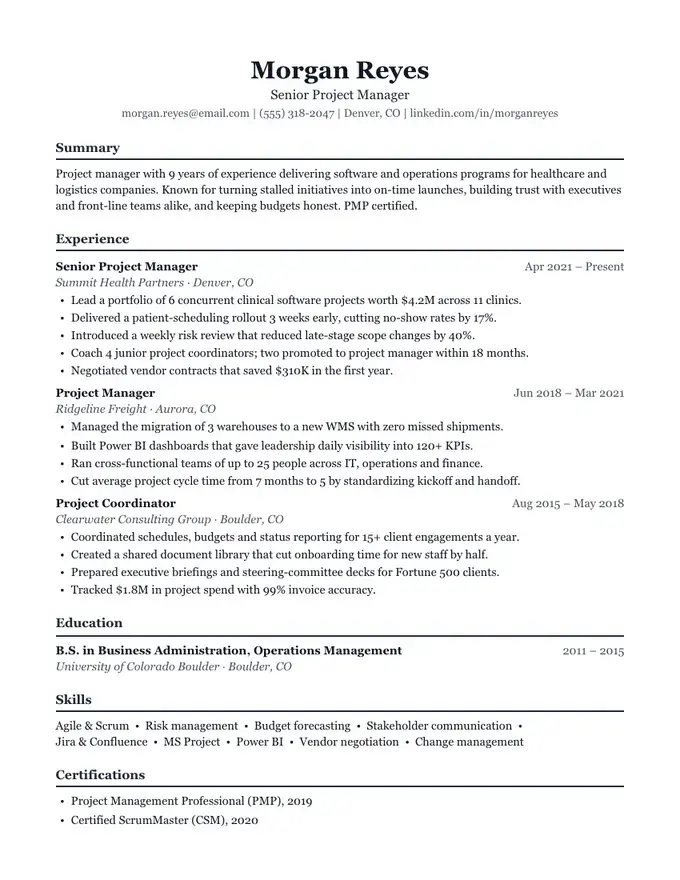
Classic and centered
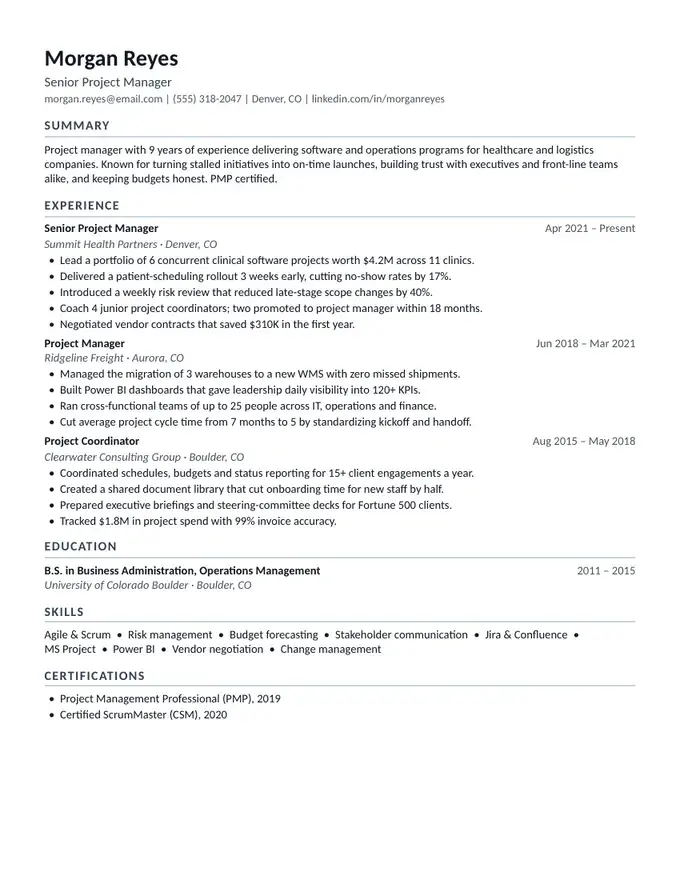
Simple and compact
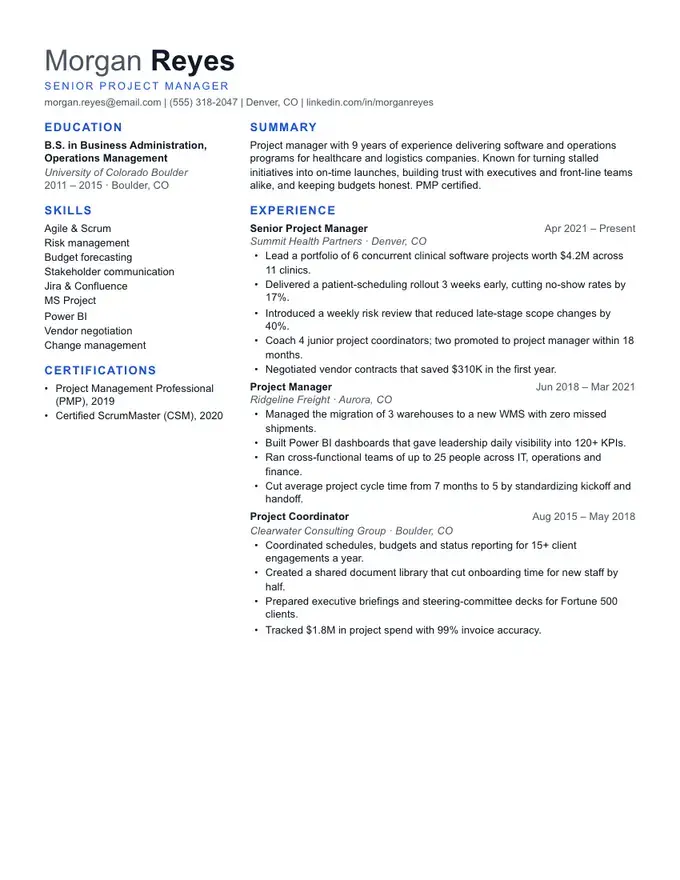
Two columns, content-rich